



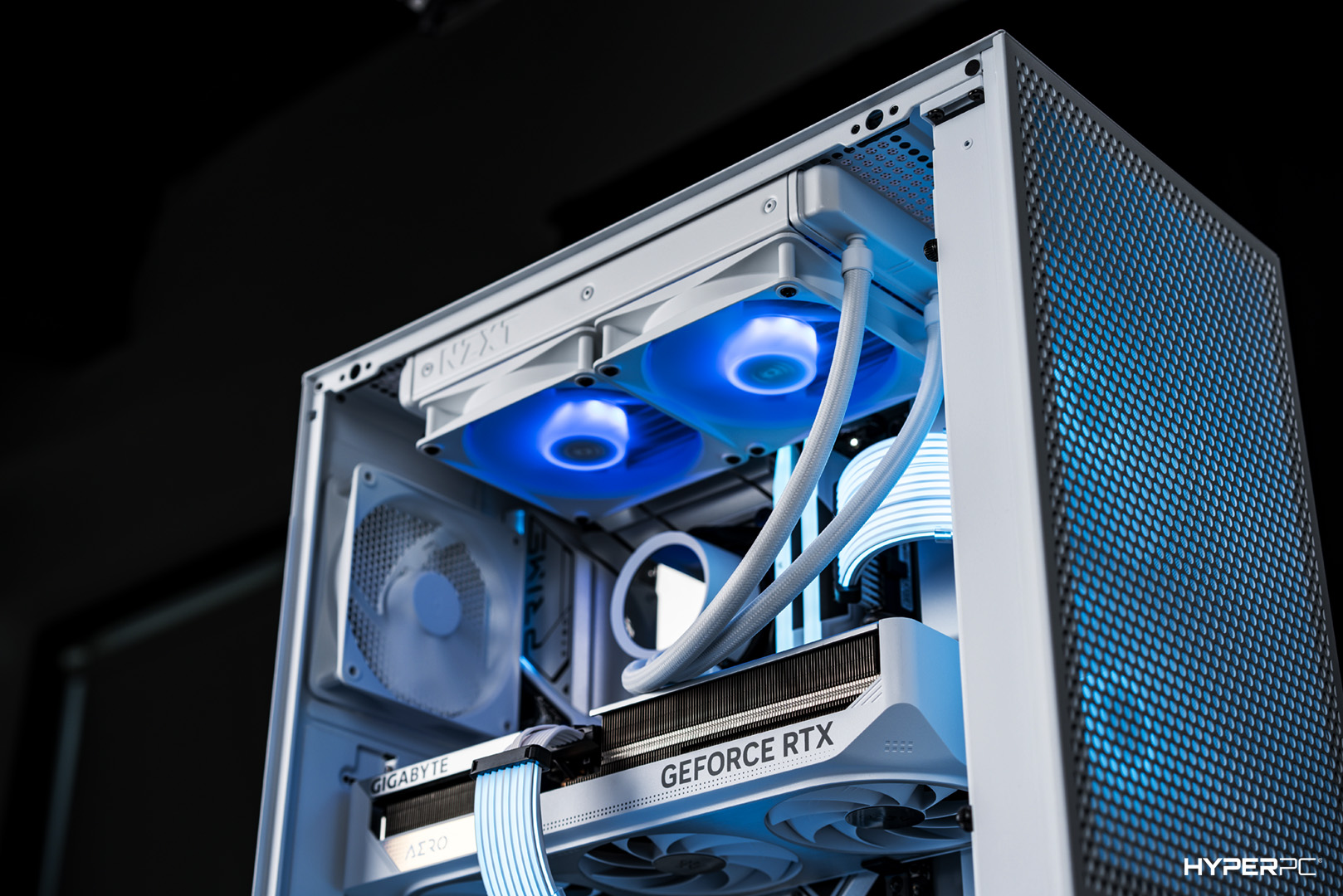
Choosing a gaming desktop means choosing its components. Today, we’ll discuss which components and specifications to consider when buying one.
Processor
The first thing to consider in a PC for gaming is the central processor. Its main characteristic is the generation. The more modern it is, the better the architecture, resulting in higher power.
You can determine the CPU generation from the initial numbers in its name. For example, the Intel Core i7-13700K(F) belongs to the 13th generation, while the Intel Core i9-14900K(F) is from the 14th generation.
Besides architecture, the processor’s power depends on the number of productive cores. The more cores, the higher the frame rate in games.
The minimum core count in 2023 and 2024 is 4. Processors like the Intel Core i3-12100(F) and Intel Core i3-13100(F) are the minimum required to deliver optimal FPS in modern games. However, it’s recommended to choose processors with 6 or 8 productive cores.
While 4-core processors are powerful, they might not last long. In a few years, they might struggle to handle video games. Hence, opting for multi-core CPUs ensures performance for several years ahead.
Graphics Card
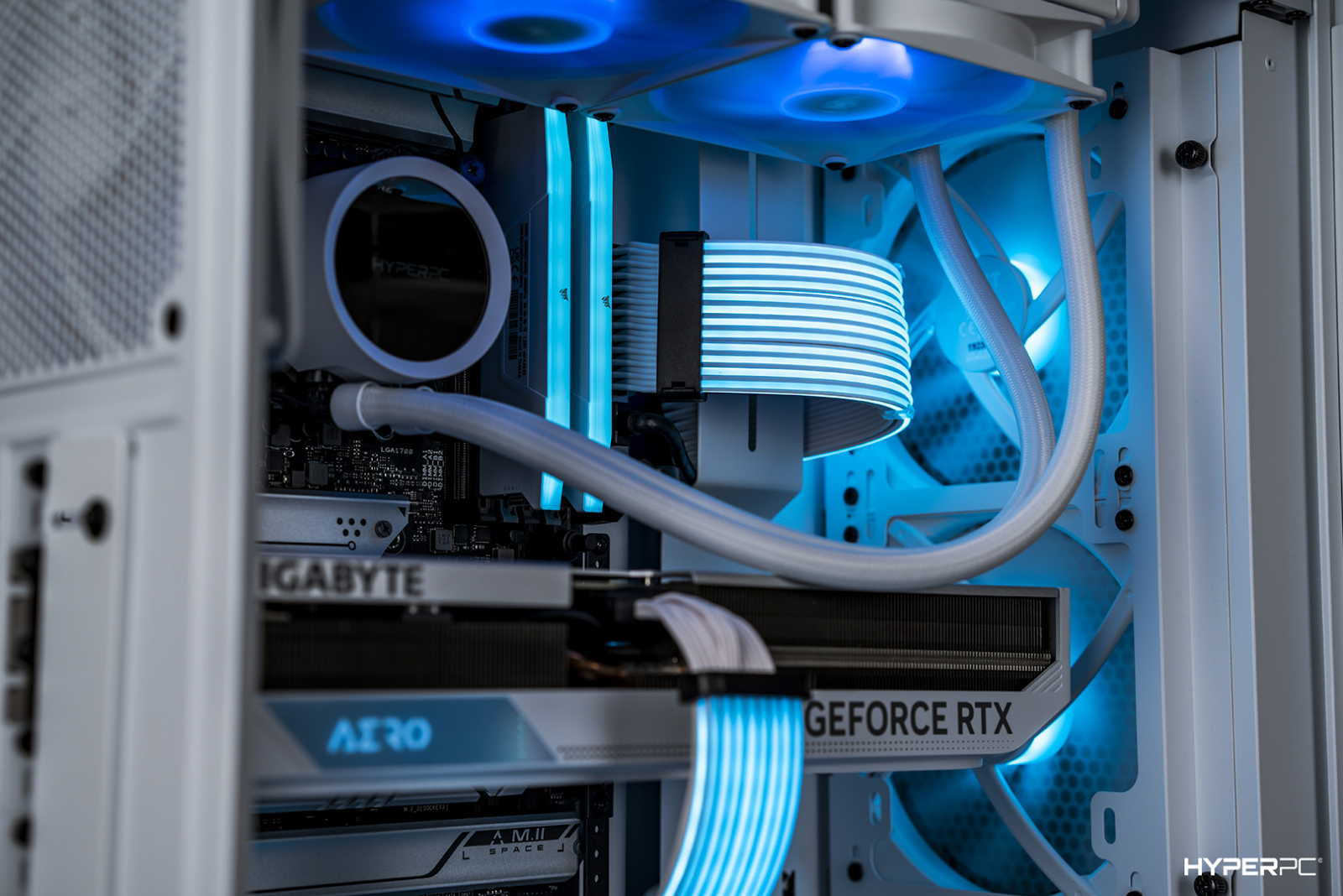
The graphics card largely determines the graphic settings you’ll play with. The key consideration for GPU selection is its generation. The more recent it is, the more powerful the graphics accelerator.
You can also identify the generation from the card’s name. For instance, the NVIDIA GeForce RTX 3080 is from the 30th generation, while the NVIDIA GeForce RTX 4060 is from the 40th.
Choosing a graphics card for a gaming computer heavily depends on your monitor’s resolution. The higher the resolution, the more powerful a graphics card you’ll need. For example, for gaming in Full HD with high graphic settings, an NVIDIA GeForce RTX 4060 would suffice. However, for 4K gaming, you’ll need a more powerful card like the NVIDIA GeForce RTX 4070 Ti or 4080.
RAM
The primary characteristic of RAM is its capacity. In modern gaming and workstation PCs, RAM should be a minimum of 16GB, but having 32GB is preferable.
Projects like Star Wars Jedi: Survivor and Hogwarts Legacy already demand 32GB RAM for stable performance at high and ultra-graphic settings. With each passing year, the number of demanding projects will only increase.
It’s also essential to mention the type of RAM. Many mistakenly believe that DDR4 RAM is outdated and not suitable for modern computers. In reality, high-frequency DDR4 RAM still provides excellent gaming performance, and its affordable price makes PCs budget-friendly. Therefore, gaming computers with DDR4 RAM can be confidently considered.
SSD Storage
Modern games perform poorly on hard disk drives (HDDs). Objects appear out of nowhere, levels load slowly, and textures might switch from low to high quality right in front of the player.
To avoid these issues, modern gaming computers are equipped with SSDs. They don’t have these drawbacks, as they’re dozens of times faster than outdated HDDs.
In gaming PCs, SSD speed isn’t crucial. Level loading times are nearly the same on budget SATA SSDs and expensive PCI-E-connected SSDs.
However, it’s essential for the PC’s drives to be of high quality and from well-known brands. Many companies cut corners and install very cheap SSDs from obscure Chinese manufacturers in their computers. Such drives quickly break down and have very low write speeds after the SLC cache is filled.
Good gaming PCs should have high-quality SSDs from renowned global brands such as Western Digital, Samsung, Kingston, Corsair, ADATA, and others.
Power Supply Unit (PSU)
The reliability and durability of components directly depend on the quality of power supply units (PSUs). If gaming components are powered by cheap PSUs, they’ll fail quickly. To avoid premature breakdowns, choose computers with quality PSUs.
Good PSUs have certifications like “80 PLUS GOLD” and above, as well as Japanese capacitors from companies like Rubycon, Nichicon, and Nippon Chemi-Con. You can check if they’re present in the PSUs from textual reviews online.
Conclusion
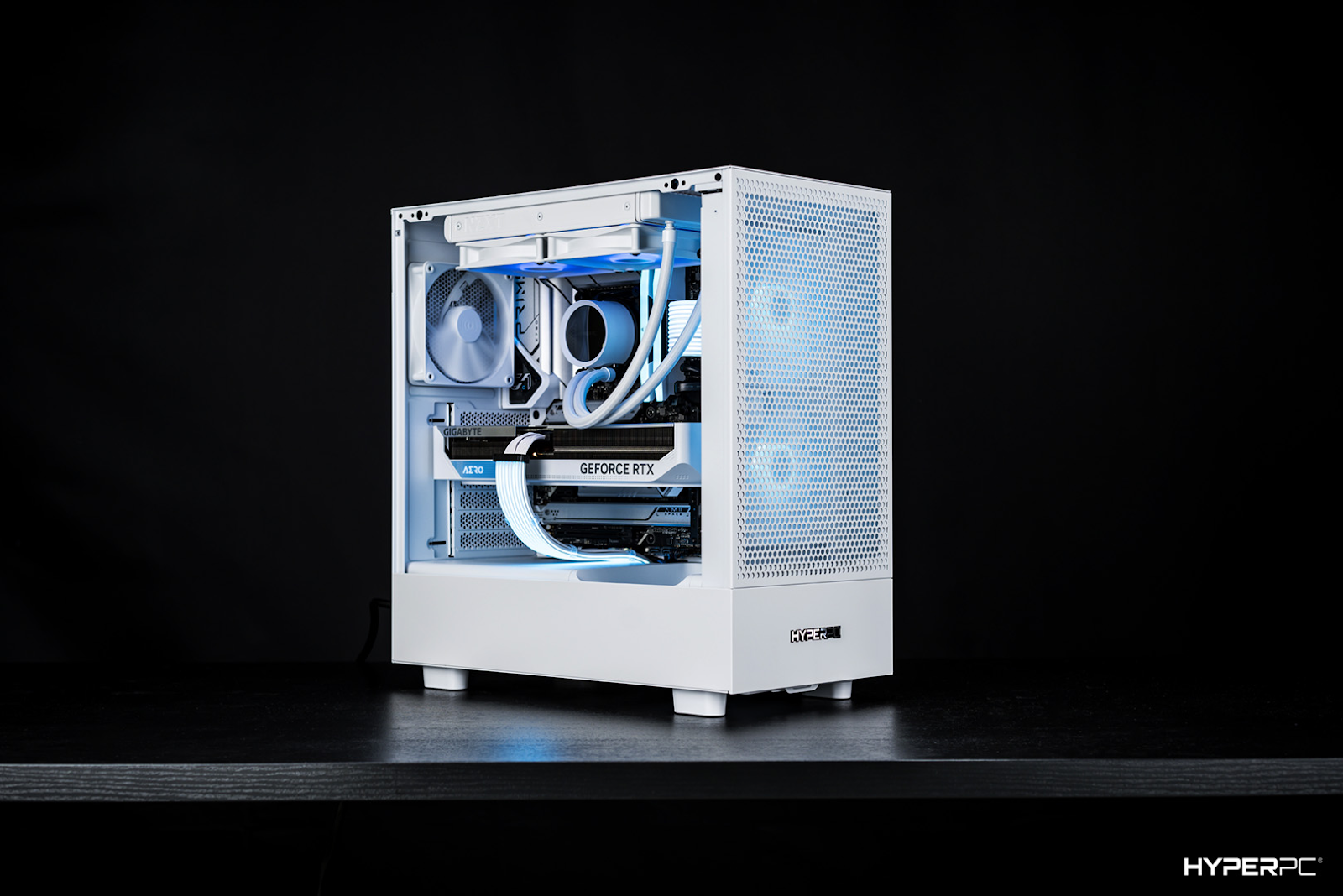
When choosing a gaming PC, pay attention to:
- Processor;
- Graphics card;
- RAM capacity;
- Presence and manufacturer of SSD;
- PSU certification and its capacitors.
